Detailed page planned
Business Workflow Software
Coordinate recurring work through clear stages and ownership.
Topic included in this hub · no dead link
Connected operations
Connect sales, inventory, purchasing, approvals and e-Invoice records so owners and teams can understand what is happening without manual consolidation.
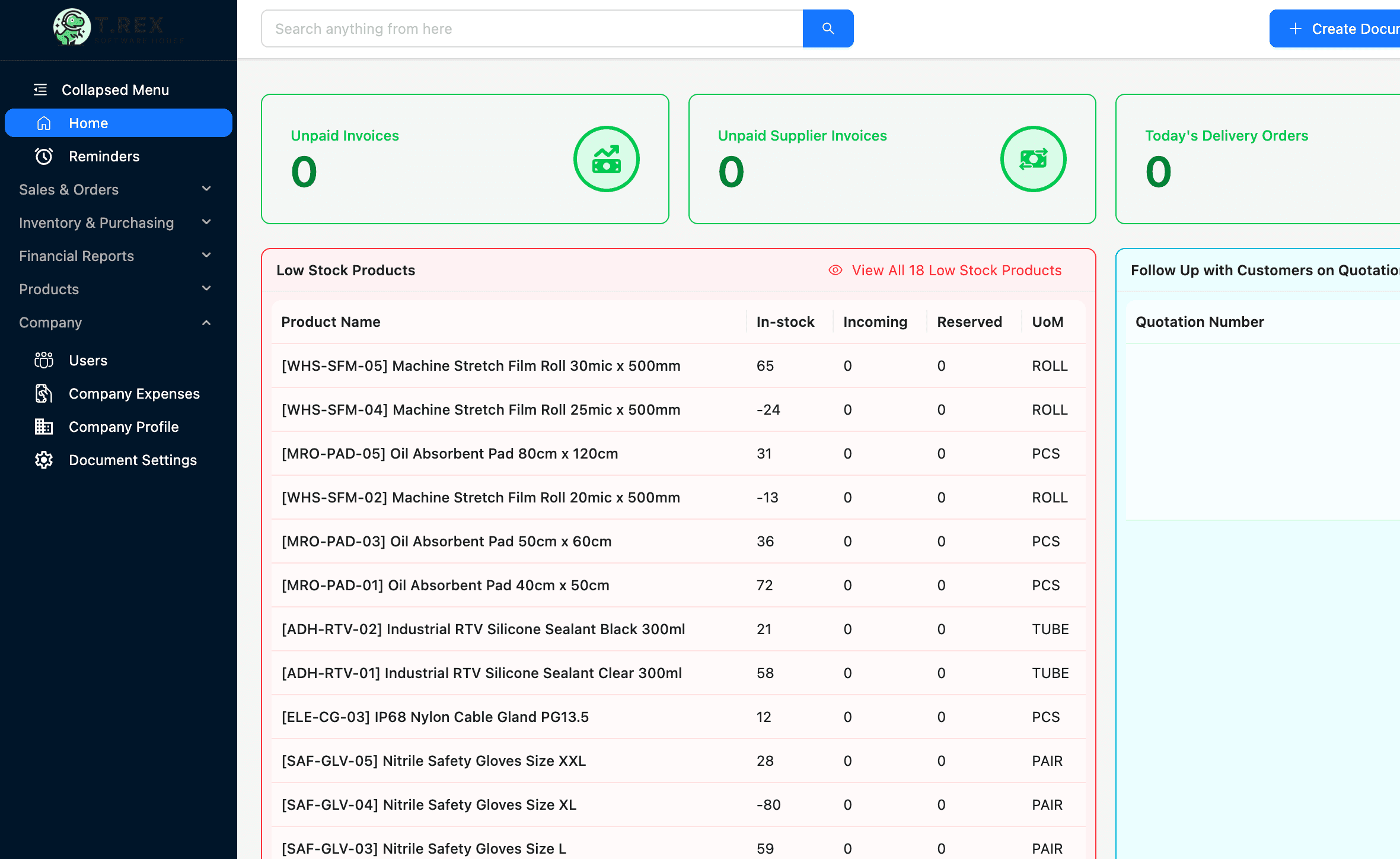
1. Capture the record
2. Assign the action
3. Connect the handoff
4. Review the business
Operations solution library
Published pages open directly. Roadmap topics stay visible here so the category structure is clear without sending visitors to unfinished routes.
Coordinate recurring work through clear stages and ownership.
Topic included in this hub · no dead linkBring core business records into one operating environment.
Topic included in this hub · no dead linkConnect essential operating workflows without enterprise complexity.
Topic included in this hub · no dead linkOrganise records, responsibilities and status across the company.
Topic included in this hub · no dead linkReplace fragile shared files with controlled multi-user workflows.
Topic included in this hub · no dead linkGive teams one connected view of daily business activity.
Topic included in this hub · no dead linkThis category hub is live now. The dedicated pages above are the next layer of the publishing roadmap; the labels describe page status, not product availability.
Workflow before feature list
The software is useful when it protects the handoff—not only when it stores the final document.
Start work from a shared customer, product or supplier source.
Make status, owner and next step visible.
Keep context as work moves between functions.
Use connected records for clearer daily visibility.
Designed for daily operations
A connected workflow should make everyday work clearer for the people doing it and more visible for the people responsible for the outcome.
What the workflow needs
Keep related sales, stock, purchasing and compliance records connected.
Reduce the need to ask several people for the latest status.
Make the responsible person and next action easier to see.
Review business activity without rebuilding reports from scattered files.
Operational outcomes
Related guides
Use these practical guides to audit the current process and identify which handoff needs attention first.
Continue across the business
Start with a real workflow
Explore the product, compare plans or talk through the operating handoff your team needs to control first.