Detailed page planned
Approval Workflow Software
Create a reusable path for requests, reviews and recorded decisions.
Topic included in this hub · no dead link
Workflow approvals
Give requests, reviewers, decisions and the records they affect one controlled path instead of leaving approvals buried in chat messages.
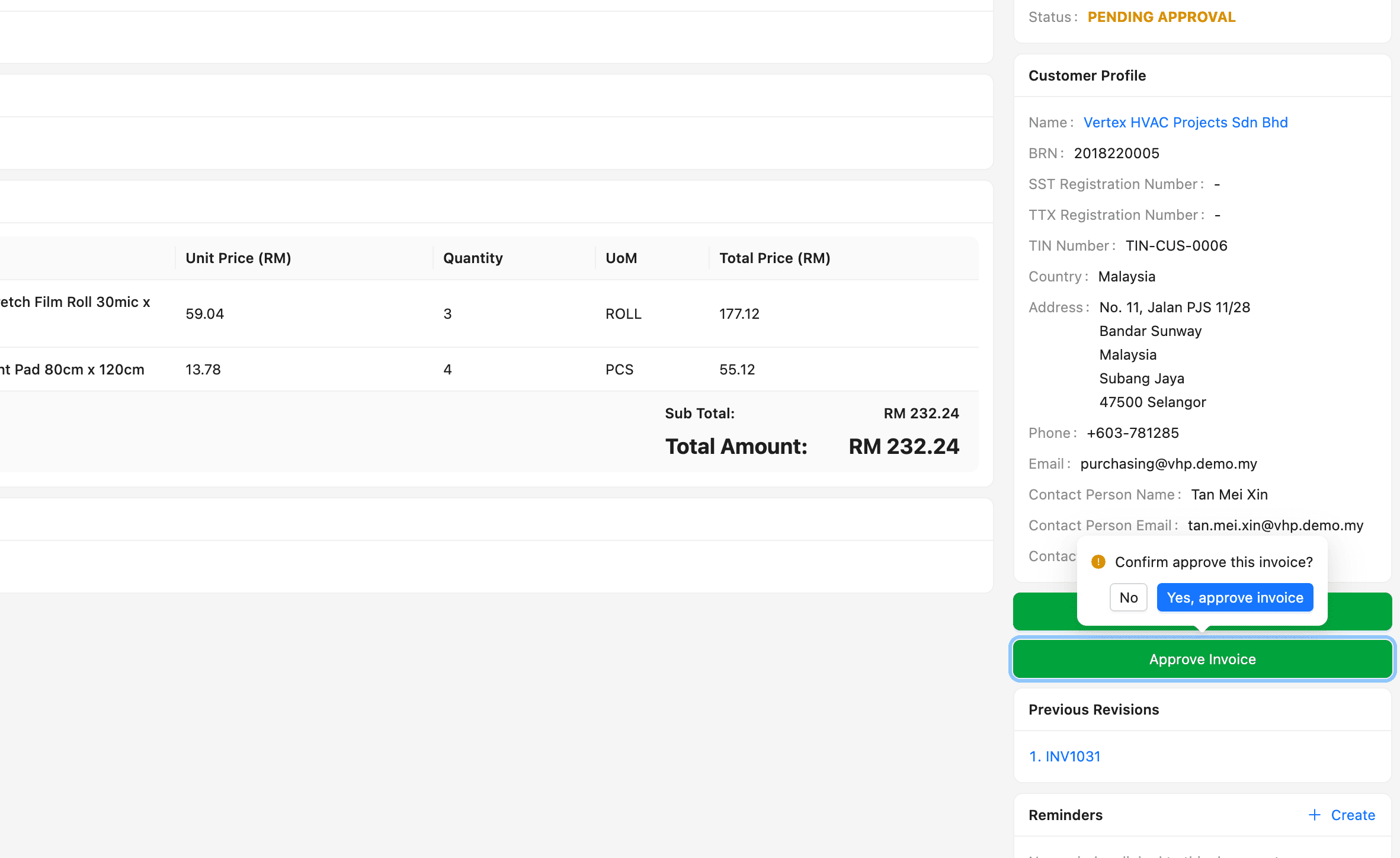
1. Create the request
2. Assign the reviewer
3. Record the decision
4. Continue the workflow
Approvals solution library
Published pages open directly. Roadmap topics stay visible here so the category structure is clear without sending visitors to unfinished routes.
Create a reusable path for requests, reviews and recorded decisions.
Topic included in this hub · no dead linkReview invoice records before the workflow moves forward.
Topic included in this hub · no dead linkControl commitments before purchase orders are issued.
Topic included in this hub · no dead linkKeep important document decisions visible and traceable.
Topic included in this hub · no dead linkThis category hub is live now. The dedicated pages above are the next layer of the publishing roadmap; the labels describe page status, not product availability.
Workflow before feature list
The software is useful when it protects the handoff—not only when it stores the final document.
State what needs a decision and attach the right record.
Make ownership and the next action explicit.
Keep approved, rejected or returned status visible.
Let the business record move forward with decision context.
Designed for daily operations
A connected workflow should make everyday work clearer for the people doing it and more visible for the people responsible for the outcome.
What the workflow needs
Attach the decision to the invoice, purchase or document it affects.
Show who is reviewing and where the request is waiting.
Keep a clearer trail of what happened and when.
Move approved work into the next operational step with context.
Operational outcomes
Related guides
Use these practical guides to audit the current process and identify which handoff needs attention first.
Continue across the business
Start with a real workflow
Explore the product, compare plans or talk through the operating handoff your team needs to control first.