
Purchasing control
Keep every supplier commitment attached to a record.
Connect purchase requests, approvals, purchase orders, receiving and supplier invoice context so buying decisions do not disappear in chat or spreadsheets.
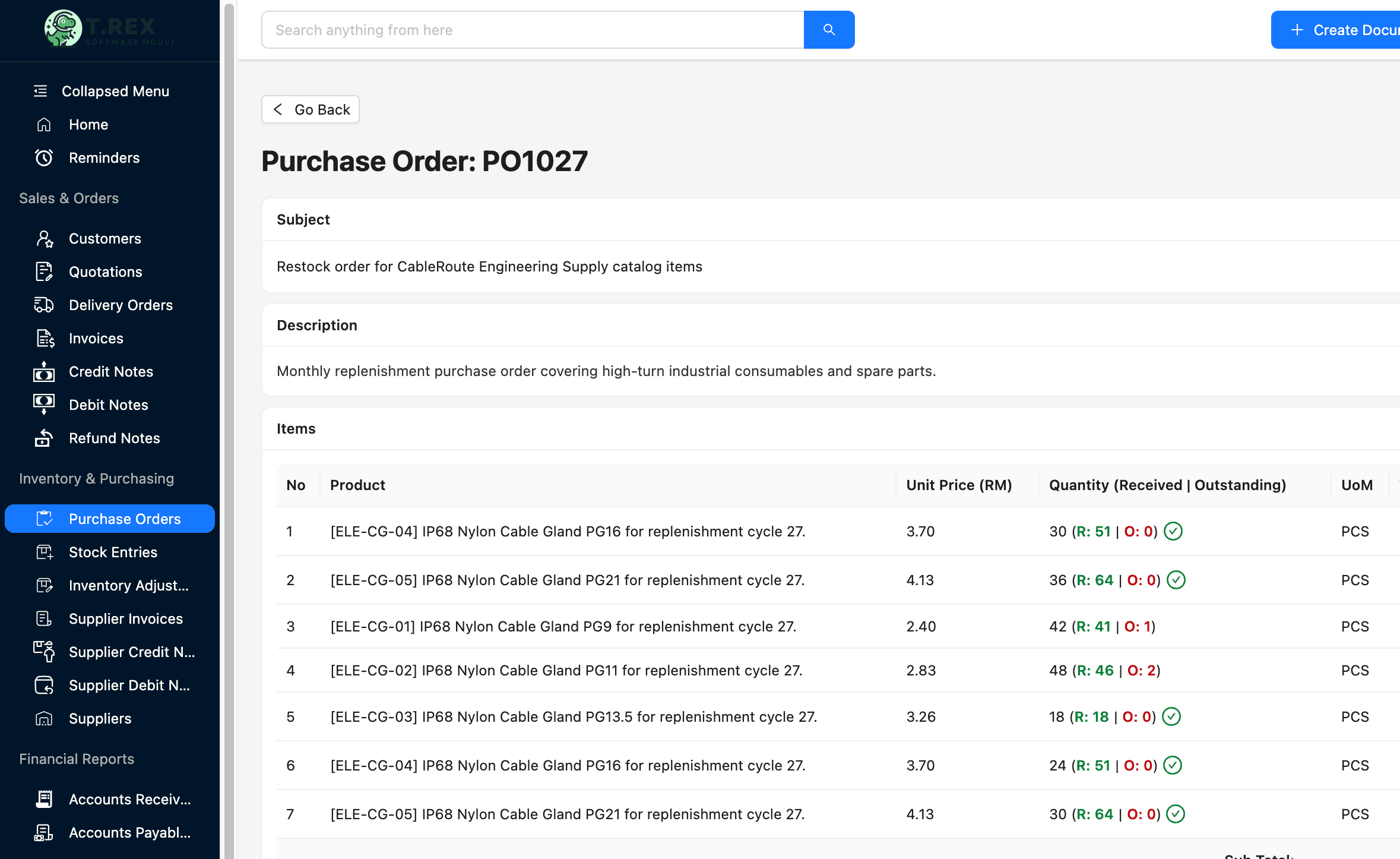
1. Request the purchase
2. Approve the commitment
3. Issue the order
4. Match the outcome
Purchasing solution library
Choose the workflow you need to control.
Published pages open directly. Roadmap topics stay visible here so the category structure is clear without sending visitors to unfinished routes.
Workflow before feature list
How the purchasing operating trail fits together.
The software is useful when it protects the handoff—not only when it stores the final document.
Request the purchase
Capture what is needed, why and by whom.
Approve the commitment
Record the decision before an order is placed.
Issue the order
Keep supplier, item and commercial terms together.
Match the outcome
Connect receiving, supplier invoice and payment context.
Designed for daily operations
Control the record, the owner and the next action.
A connected workflow should make everyday work clearer for the people doing it and more visible for the people responsible for the outcome.
What the workflow needs
Structured purchase orders
Move supplier commitments out of informal messages and untracked files.
Supplier context
Keep supplier details and purchasing history easier to review.
Receiving handoff
Connect what was ordered with what arrived and entered stock.
Invoice follow-through
Give finance a clearer path from commitment to supplier charge.
Operational outcomes
- Fewer purchase commitments hidden in inboxes and chat
- Clearer accountability before and after an order is issued
- A stronger link between suppliers, inventory and payment records
Related guides
Understand the operating problem behind the software.
Use these practical guides to audit the current process and identify which handoff needs attention first.
Continue across the business
Explore another solution hub.
Start with a real workflow
Connect your first purchasing workflow.
Explore the product, compare plans or talk through the operating handoff your team needs to control first.