
Sales operations
Turn customer intent into controlled sales records.
Manage customer details, quotations, invoices and payment follow-up without rebuilding the same information at every step.
1. Know the customer
2. Prepare the offer
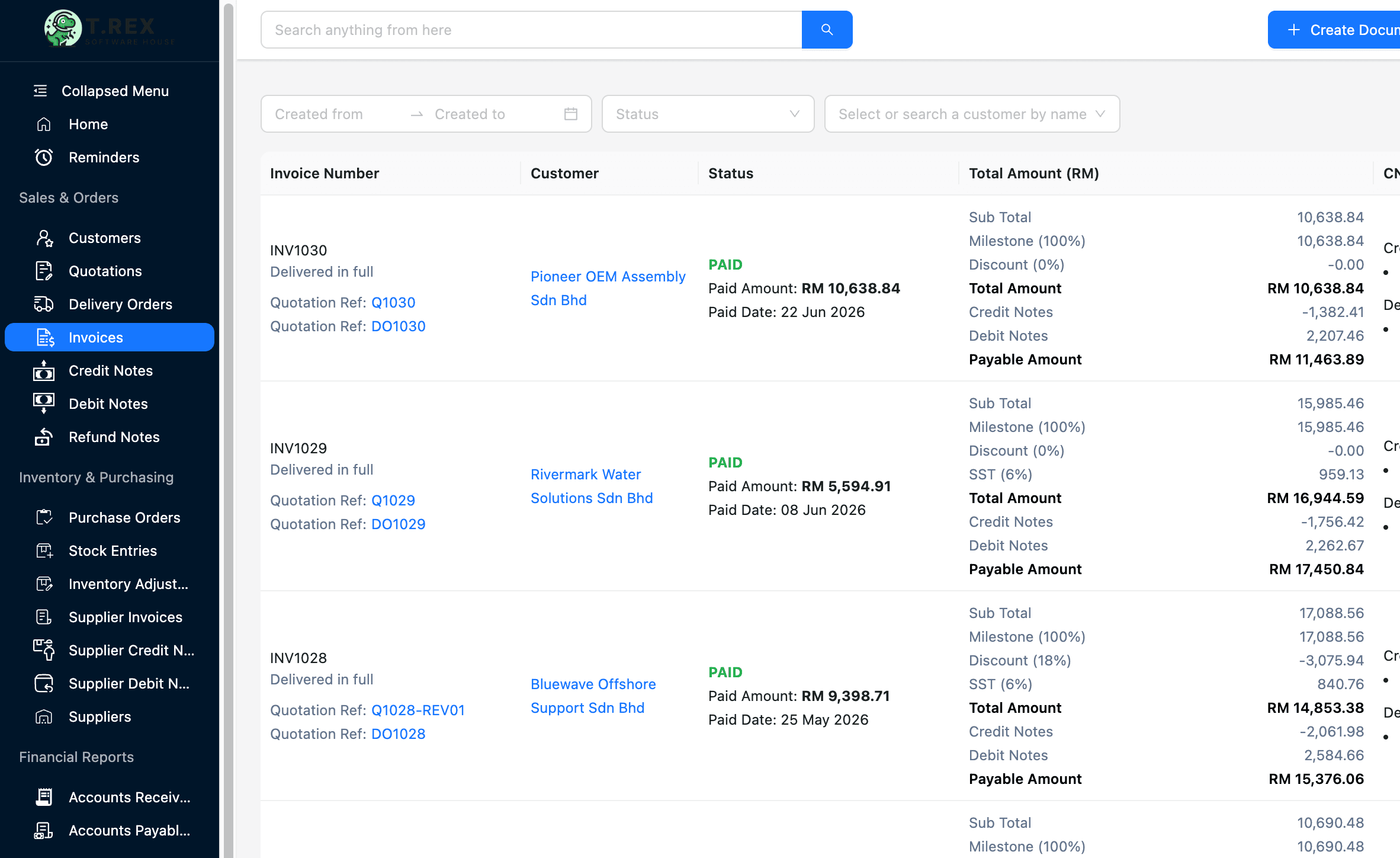
3. Issue the invoice
4. Follow the payment
Sales solution library
Choose the workflow you need to control.
Published pages open directly. Roadmap topics stay visible here so the category structure is clear without sending visitors to unfinished routes.
Workflow before feature list
How the sales operating trail fits together.
The software is useful when it protects the handoff—not only when it stores the final document.
Know the customer
Keep contacts, ownership and document history together.
Prepare the offer
Create and revise quotations from controlled records.
Issue the invoice
Carry approved sales details into the billing workflow.
Follow the payment
Keep due, unpaid and follow-up status visible.
Designed for daily operations
Control the record, the owner and the next action.
A connected workflow should make everyday work clearer for the people doing it and more visible for the people responsible for the outcome.
What the workflow needs
Shared customer context
Give sales and finance one place to check customer details and history.
Connected sales documents
Keep quotations, invoices and related records in the same operating trail.
Clear status and ownership
See what is draft, sent, accepted, due or waiting for action.
Collection visibility
Organise follow-up without relying on memory or scattered messages.
Operational outcomes
- Less duplicate data entry between sales stages
- Cleaner handoffs between sales and finance
- A more reliable record of customer commitments
Related guides
Understand the operating problem behind the software.
Use these practical guides to audit the current process and identify which handoff needs attention first.
Continue across the business
Explore another solution hub.
Start with a real workflow
Connect your first sales workflow.
Explore the product, compare plans or talk through the operating handoff your team needs to control first.